It edits itself
Not a plugin API, not a config file. The agent opens your actual source, changes it, and the container rebuilds. Git is the safety net.

Meet Jarvis
Jarvis is a self-hosted web chat backed by the Claude Code CLI — with full read/write access to its own source. Ask for a feature, it edits the code. You diff, commit, or throw it away.
git clone https://github.com/julienR2/jarvis && cd jarvis && docker compose up -d
MIT · Docker Compose · needs a Claude subscription (or any OpenRouter key)
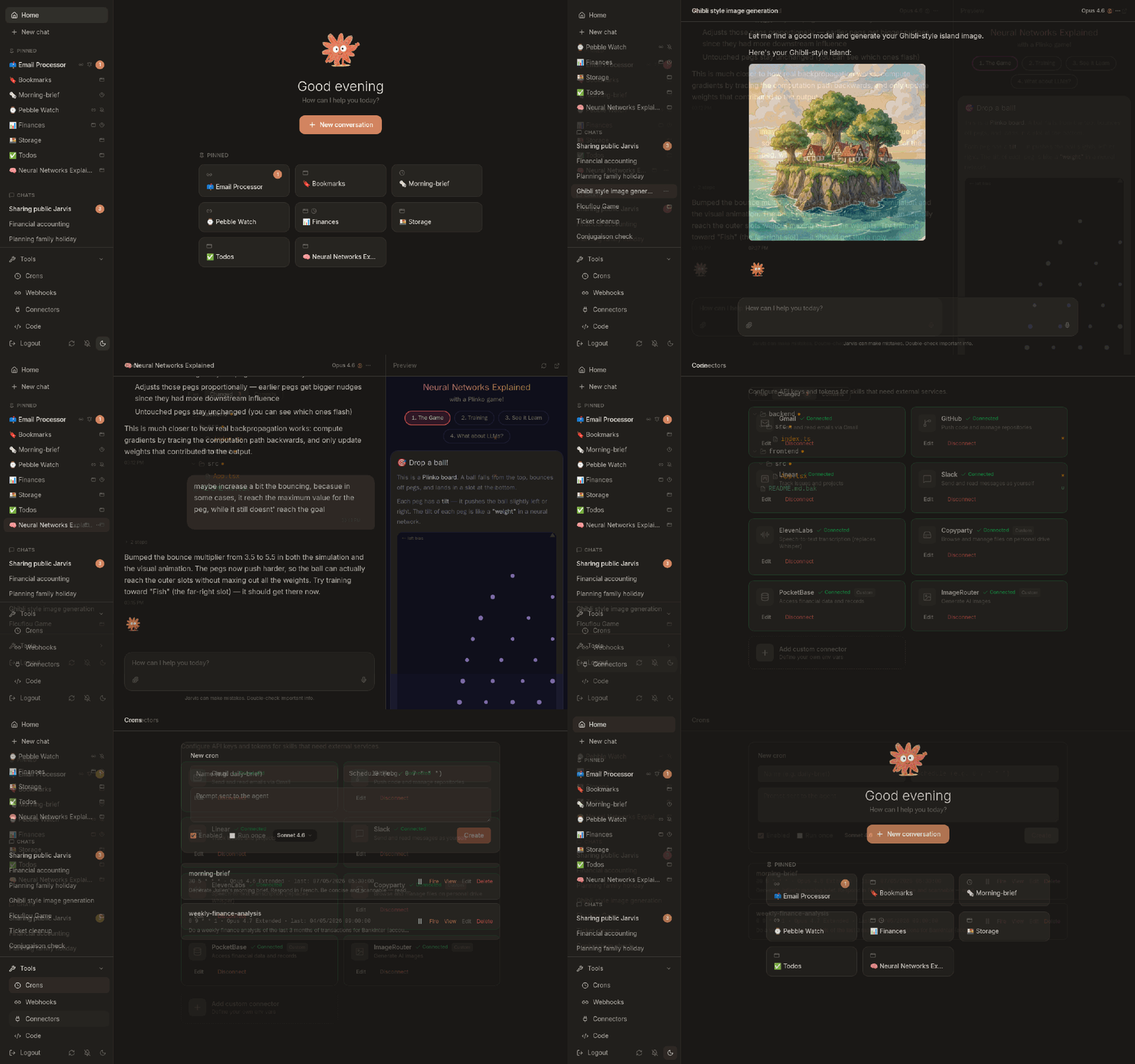
Not a plugin API, not a config file. The agent opens your actual source, changes it, and the container rebuilds. Git is the safety net.
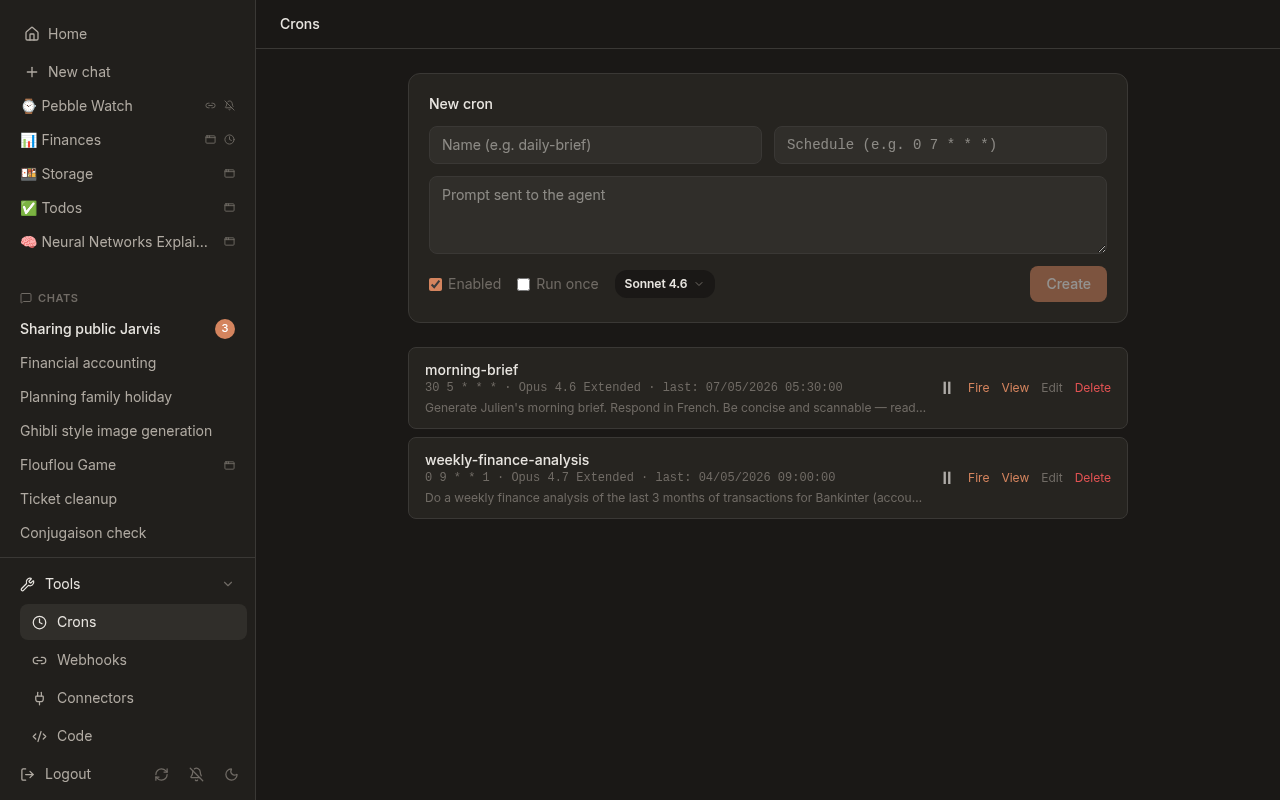
Crons and webhooks fire the agent on a schedule or an HTTP call, with the full conversation context. It keeps working while you sleep.
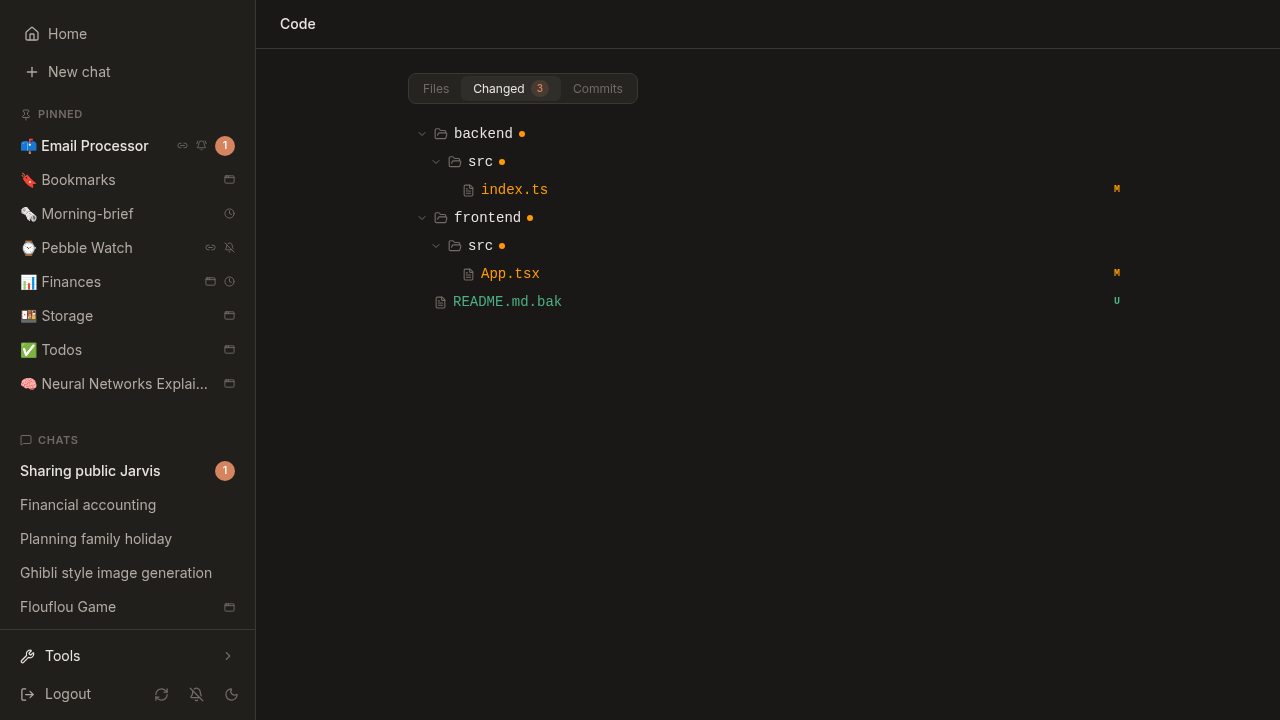
Connectors hand real credentials — Gmail, GitHub, Slack, Linear, anything you add — to the agent at runtime. No code, no restart.
Everything below ships on first boot. Nothing to wire up.
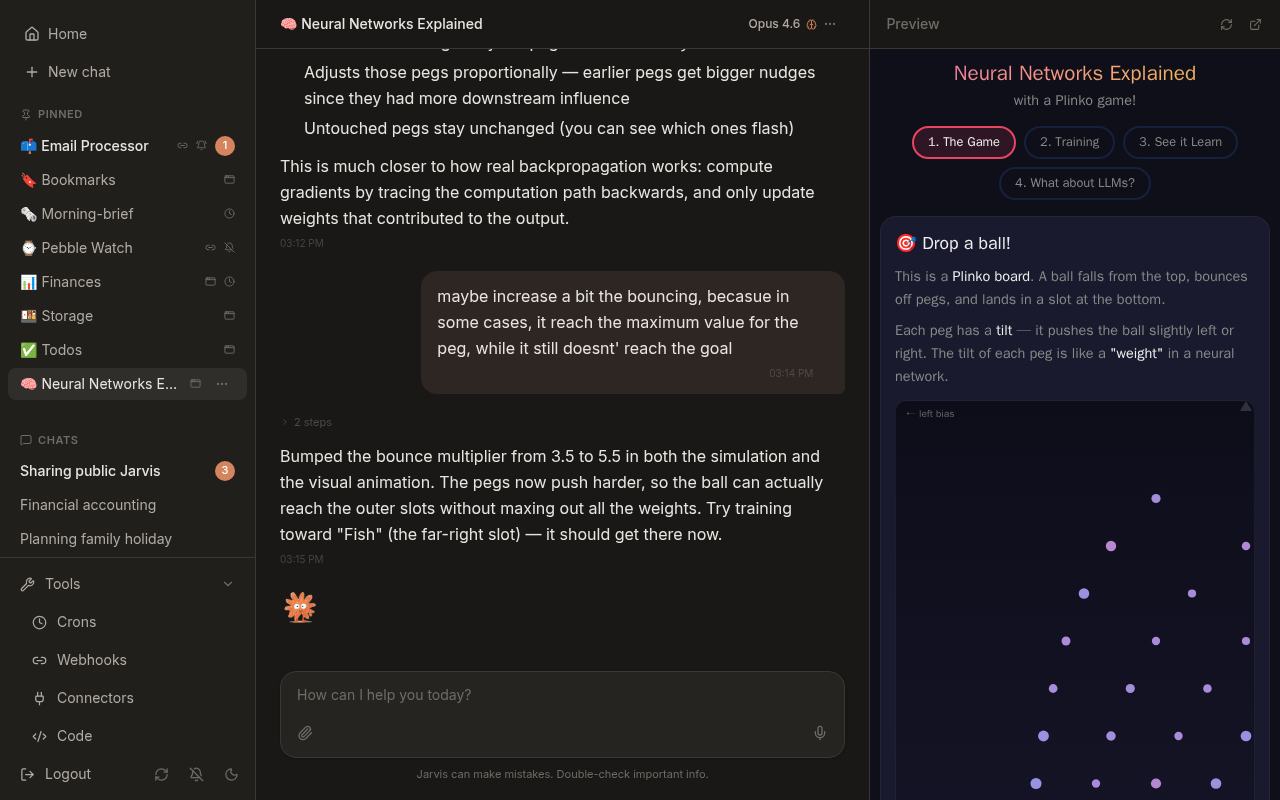
Claude edits the frontend and backend through chat. Every change is diffable, committable, revertable.
Interactive HTML/CSS/JS rendered in a split pane beside the chat — dashboards, tools, little games.
Gmail, GitHub, Slack, Linear and more from the UI — or a custom one with just a name and env fields.
Scheduled prompts with full context. “Summarize my inbox at 7am” — the agent writes the cron itself.
HTTP endpoints that trigger the agent with any payload. Pairs with n8n, Home Assistant, iOS Shortcuts.
Markdown instruction sets that auto-activate on context. The agent can write new ones for itself.
Claude Code plugin marketplaces from Settings. Enabled ones load in every conversation, cron and webhook.
A real Chromium the agent drives through Playwright, for sites that need clicking rather than fetching.
Audio transcribed by a bundled Whisper and dropped straight into the conversation.
Send a link to a conversation, read-only or with replies. No account needed on the other side.
Claude by default, or any OpenRouter model that can run the agent. Both providers live at once.
Installable and responsive, with push notifications and share-target support.
Same agent, same conversation memory. Only the trigger changes.
 Claude edits the sourcefrontend/src/…
and round again — the app you're using is the app being changed
Agent wakes in its chatkeeps the whole historyno prompt to babysit — it decides whether the result is worth waking you for
Payload becomes a promptany JSON bodyone URL and a token — anything that can make an HTTP call can drive it
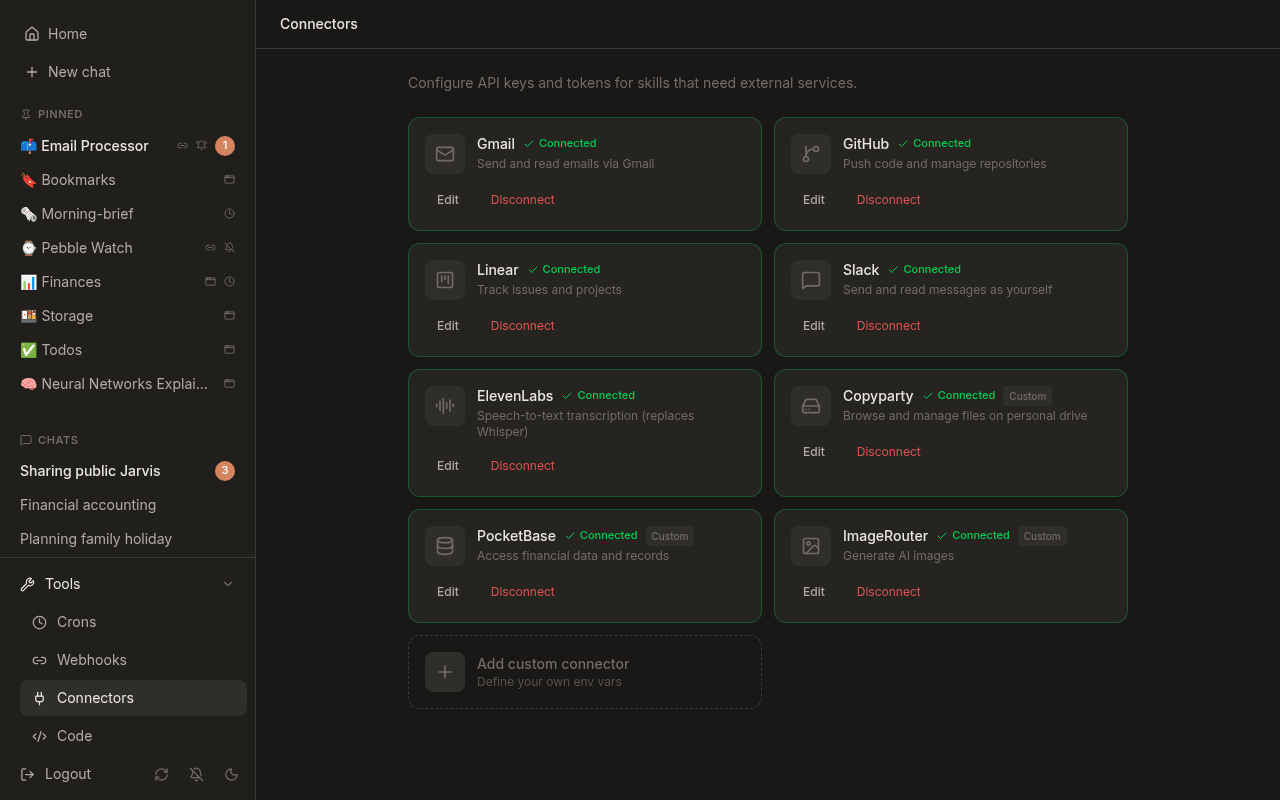
Docker and Docker Compose v2.24+. No .env to write — secrets generate themselves on first boot.
git clone https://github.com/julienR2/jarvis
cd jarvis
docker compose up -ddocker compose logs backend | grep setupIt stops a fresh instance from being claimed by whoever finds it first.
localhost:5173The wizard creates your account and takes a Claude OAuth token (claude setup-token). Prefer a gateway? Point it at OpenRouter instead — both can live side by side.
Deploying on a server, upgrading, choosing a model — the full documentation is on GitHub →
It's an agent with a shell, write access to its own source, and your credentials. Here's what makes it workable.
You start with a general-purpose assistant and vibe-code it into something that is only yours.